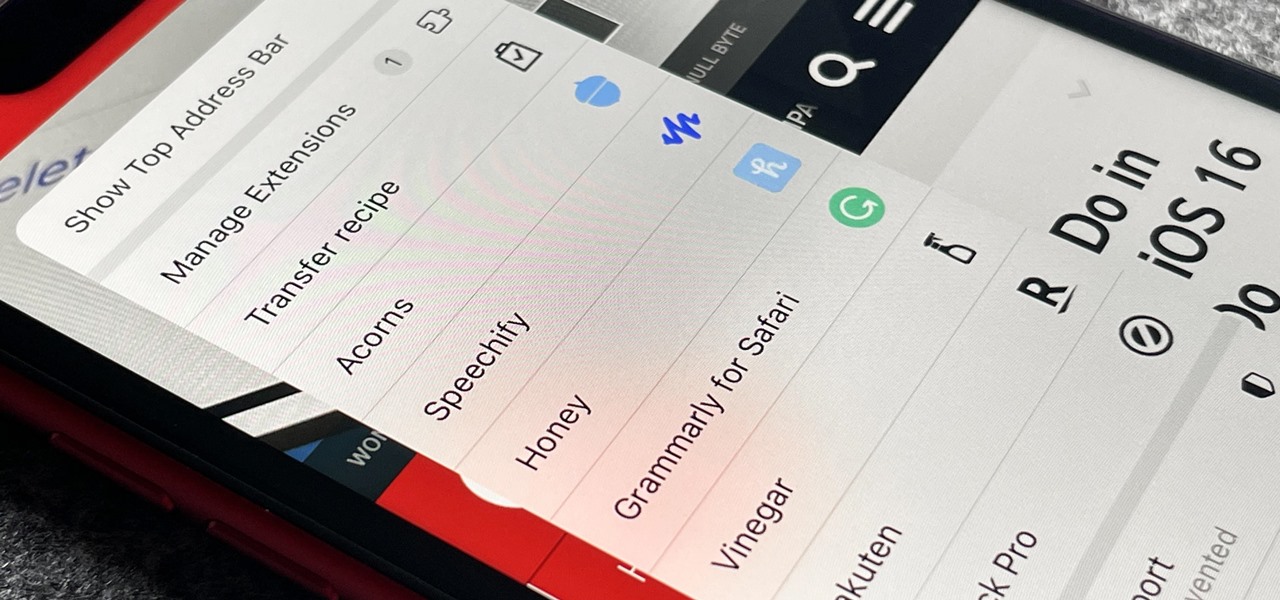
You may use Safari on your iPhone or iPad to open links and browse the web, but there's so much more it can do for you. On updated software, you can implement third-party Safari extensions in your browser that go above and beyond content blocking, sharing, and performing basic actions. Safari did have extensions before iOS 15 and iPadOS 15, but they were watered down compared to the extensions available on macOS. You could send a webpage to another app or open a new modal on top of the page in Safari, but more advanced integration was left out. For example, with share and action extensions... more
Upgrade Safari on Your iPhone with These Powerful Add-Ons
Related Posts
20+ Features in iOS 14.3 That'll Make Your iPhone Experience Way Better
Apple's latest big update to iOS 14 has a lot to be excited about. While iOS 14.2 had some fun new features, such as… Read More
The Best Black Friday Deals on iPhone Accessories
The holiday season is here! Whether you're gift shopping for the iPhone owners in your life or just trying to save s… Read More
The Easiest Way to Resize Photos on Your iPhone in Bulk or Individually
The rear cameras on iPhones have remained at 12 megapixels since the iPhone 6s, but with each new iPhone model, more… Read More
Make Apple Music Play Similiar Tracks Automatically After an Album or Playlist Ends
No matter how expertly crafted a playlist is or how long your favorite album runs, they all come to an end eventuall… Read More
How to Block Shortcuts Notifications from Showing Up Every Time You Run an Automation on Your iPhone
There are a lot of cool shortcuts you could run on your iPhone, but in iOS 13 and iOS 14, you'll likely see a notifi… Read More
Make Sure Your AirPods Pro Are Always Fully Charged by Turning Off This Setting
Your AirPods Pro can run up to 4.5 hours when 100% charged up. However, they're programmed to stop charging at 80%, … Read More


