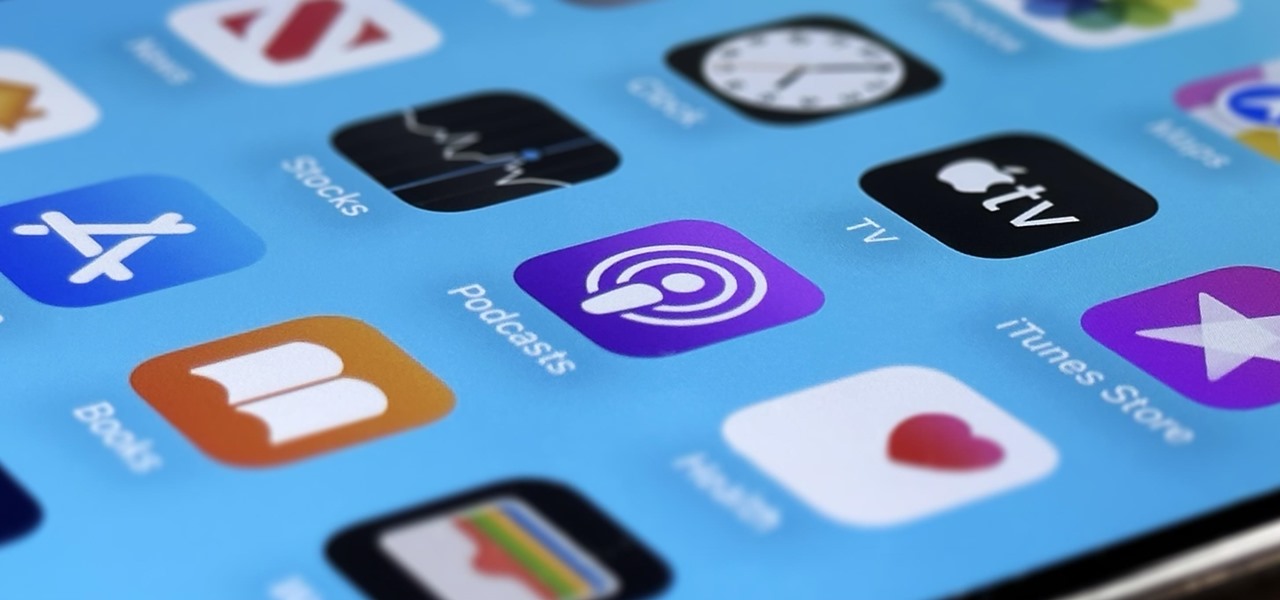
Apple likes hiding things in its software, including secret apps, hidden iMessage effects, status bar customization, nameless icons, and red screen mode, but some of its best Easter eggs are right in front of you on the Home Screen. Some of Apple's app icons on iOS and iPadOS have hidden meanings, useful but easy-to-miss details, changing visuals, and other clever elements. While most app icons are fairly straightforward, Apple UI designers made the following iPhone and iPad apps a little more special. Jump to an app: Clock Maps TestFlight Flashlight Podcasts Calendar Voice Memos 1. The... more
7 Things Hiding in Your iPhone's App Icons You Probably Haven't Noticed Yet
Related Posts
Swap the Flashlight and Camera Lock Screen Controls on Your iPhone to Open Apps, Toggle Settings, and More
It's no secret that you can quickly toggle the flashlight and open Camera from your iPhone's Lock Screen using the b… Read More
Apple Rereleases iOS 17.6.1 for iPhone with Important Bug Fixes
While Apple is full steam ahead on iOS 18, which is expected to drop sometime next month, it hasn't forgotten about … Read More
Apple's Weather App Just Got 13 New Features and Changes in the Latest iPhone Software Update
Apple's Weather app keeps getting better and more refined with each new software update. For example, 2023's big upd… Read More
5 States Support Digital Driver's Licenses in Apple Wallet — Which States Are Next?
Apple announced support for mobile driver's licenses and state identification cards in Apple Wallet back in 2021, an… Read More
5 States Support Digital Driver's Licenses in Apple Wallet — What States Are Next?
Apple announced support for mobile driver's licenses and state identification cards in Apple Wallet back in 2021, an… Read More
The Easiest Way to Find, Share, and Manage Wi-Fi Passwords Your iPhone and Other Apple Devices Auto-Saved for You
In the latest software updates for iPhone and iPad, there's an even easier way to view all your saved Wi-Fi networks… Read More


